

Start
Quickstart
Add your first pool in three steps.
Before you start
- A wallet on the chain you will pay from. For Solana, a Solana wallet; for everything else, any EVM wallet.
- A little ETH on Robinhood Chain for gas is not needed when you pay from another chain: Relay lands ETH there for you.
- A graduated Pons coin. Coins still on their curve have no pool yet.
The live app is a preview
The widget on the home page runs on sample data today. These steps show the flow exactly as it will work when the zap contract ships.
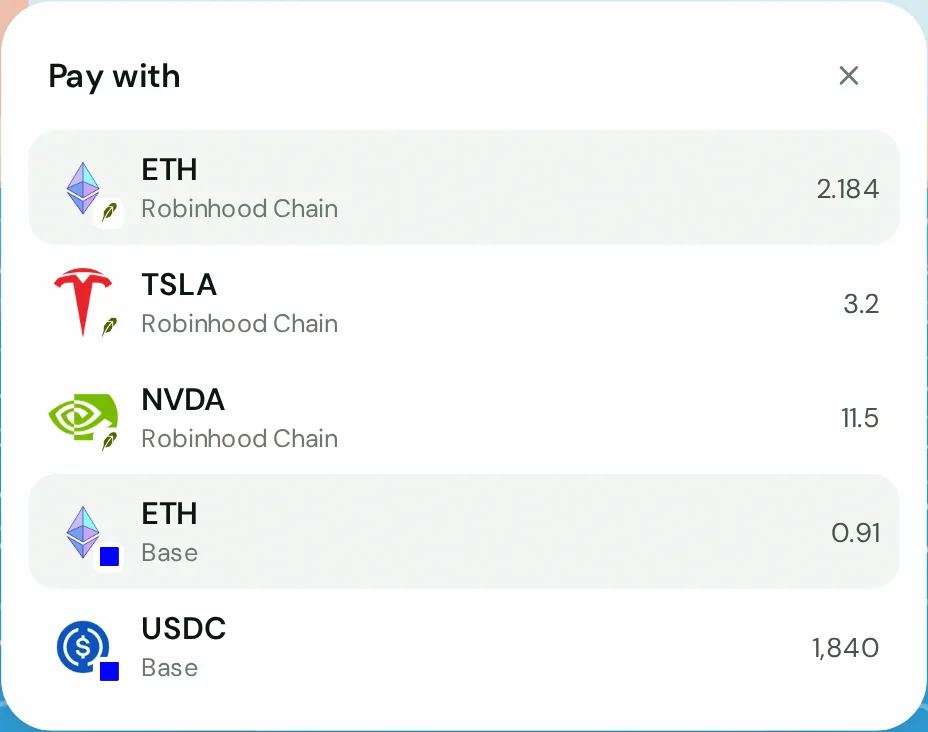
1. Choose what you pay with
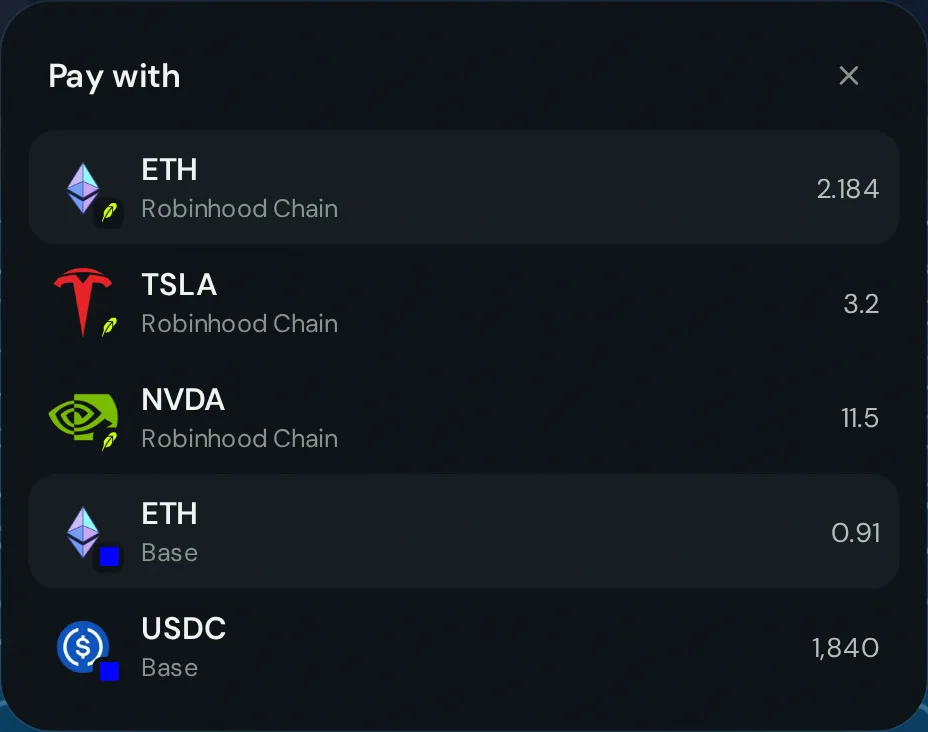
Type an amount, then tap the coin button. Each option is a coin and the chain it lives on, with your balance.
2. Pick the pool
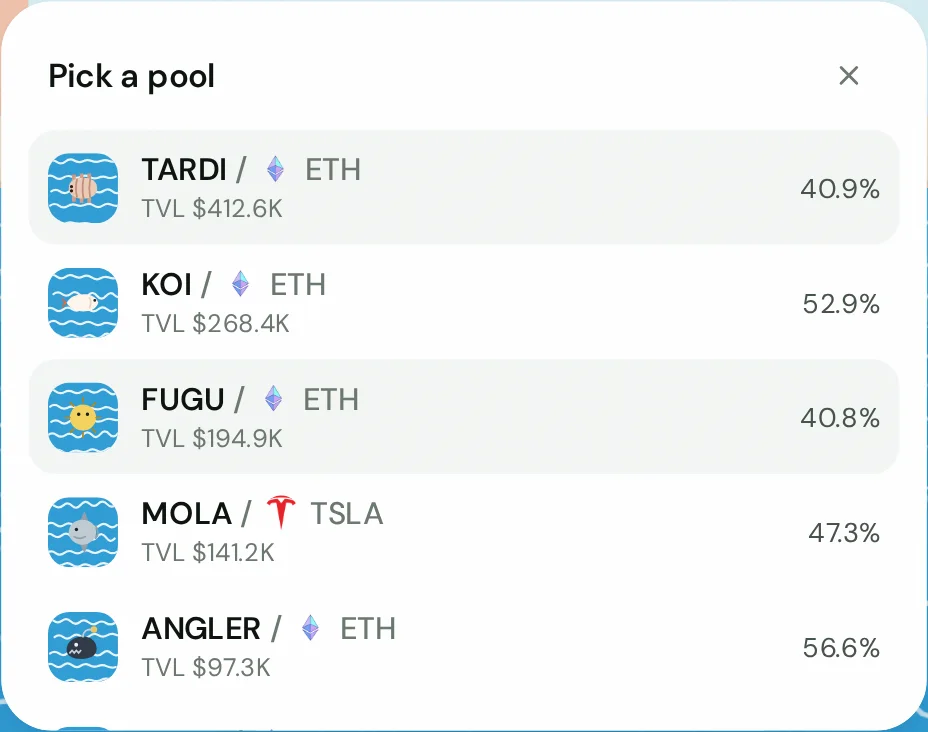
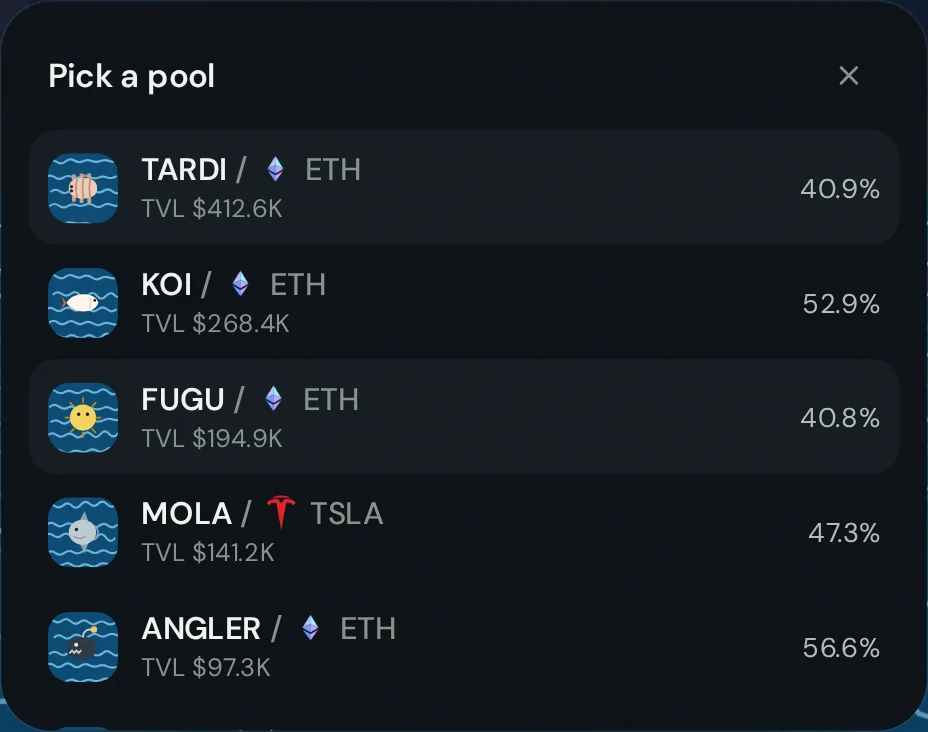
Tap the pool button and choose the coin. $TARDI is selected by default. The card shows what you keep, what gets swapped, and the value of the position you will get.
3. Add pool and sign
Press Add pool. From Robinhood Chain you sign once. From another chain you sign the Relay deposit on that chain first, then the zap lands on Robinhood Chain.
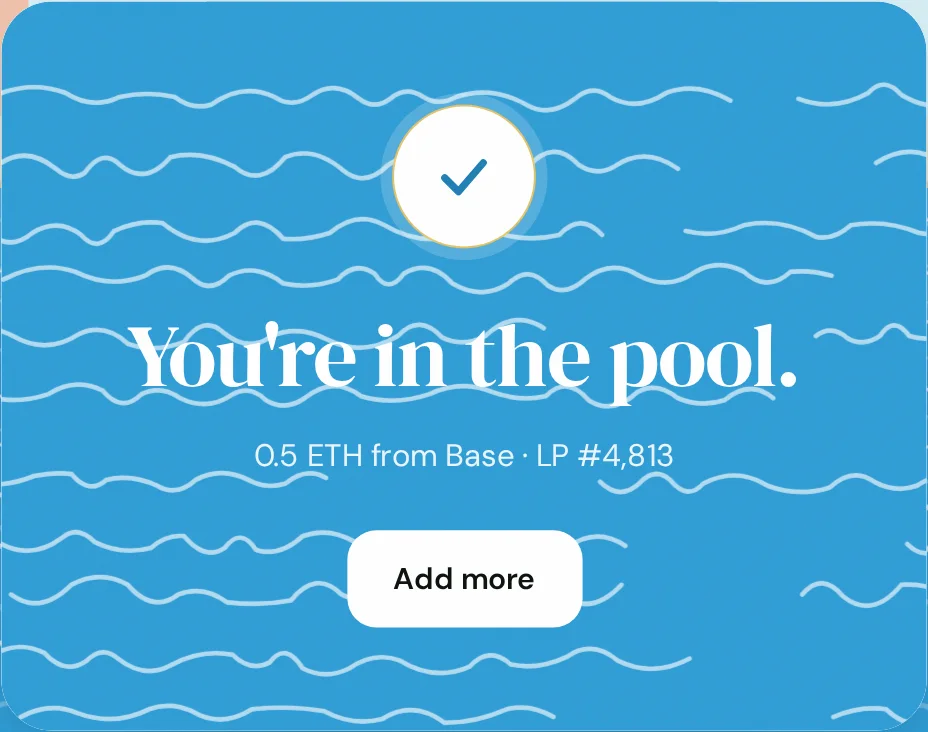
After it lands
Your position is an NFT from the Uniswap v4 PositionManager. It shows up in any wallet that displays NFTs, and you can remove it any time. See Removing liquidity.